
🎨 Rich Theme Gallery
Music Tagger ships with a broad collection of hand-crafted themes — switchable instantly from the sidebar without any page reload.
Overview
Themes are applied globally and persist across sessions. Each theme is carefully tuned for readability and aesthetic consistency across all views.
Available Theme Categories
| Category | Description |
|---|---|
| Dark | Deep backgrounds for low-light environments |
| Light | Clean, bright interfaces for daytime use |
| High Contrast | Accessibility-focused with maximum contrast ratios |
| Coloured | Vibrant accent-driven palettes |
Theme Board
The theme board gives you a full-grid preview of every available theme before applying it.
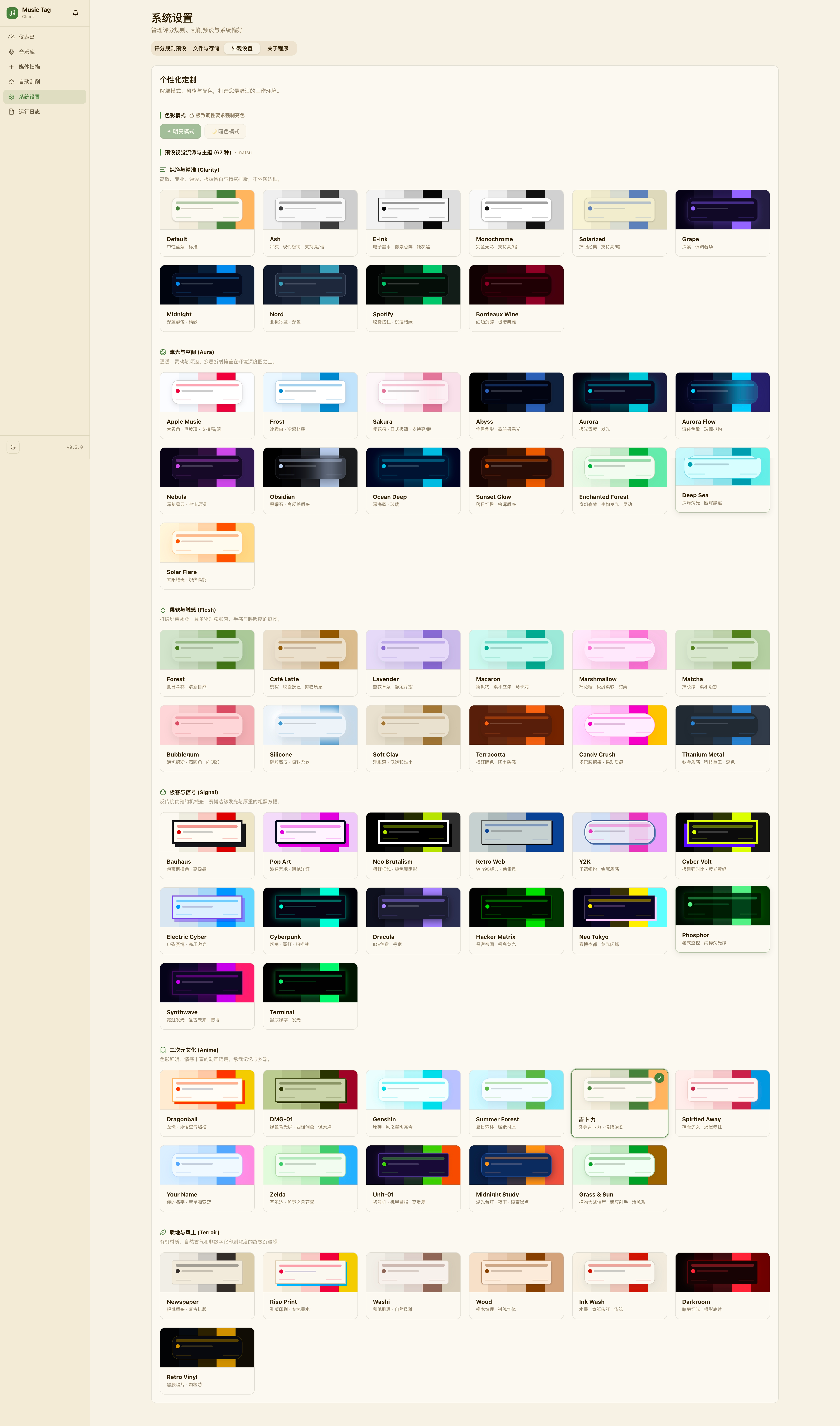
Light & Dark Gallery
| Light Themes | Dark Themes |
|---|---|
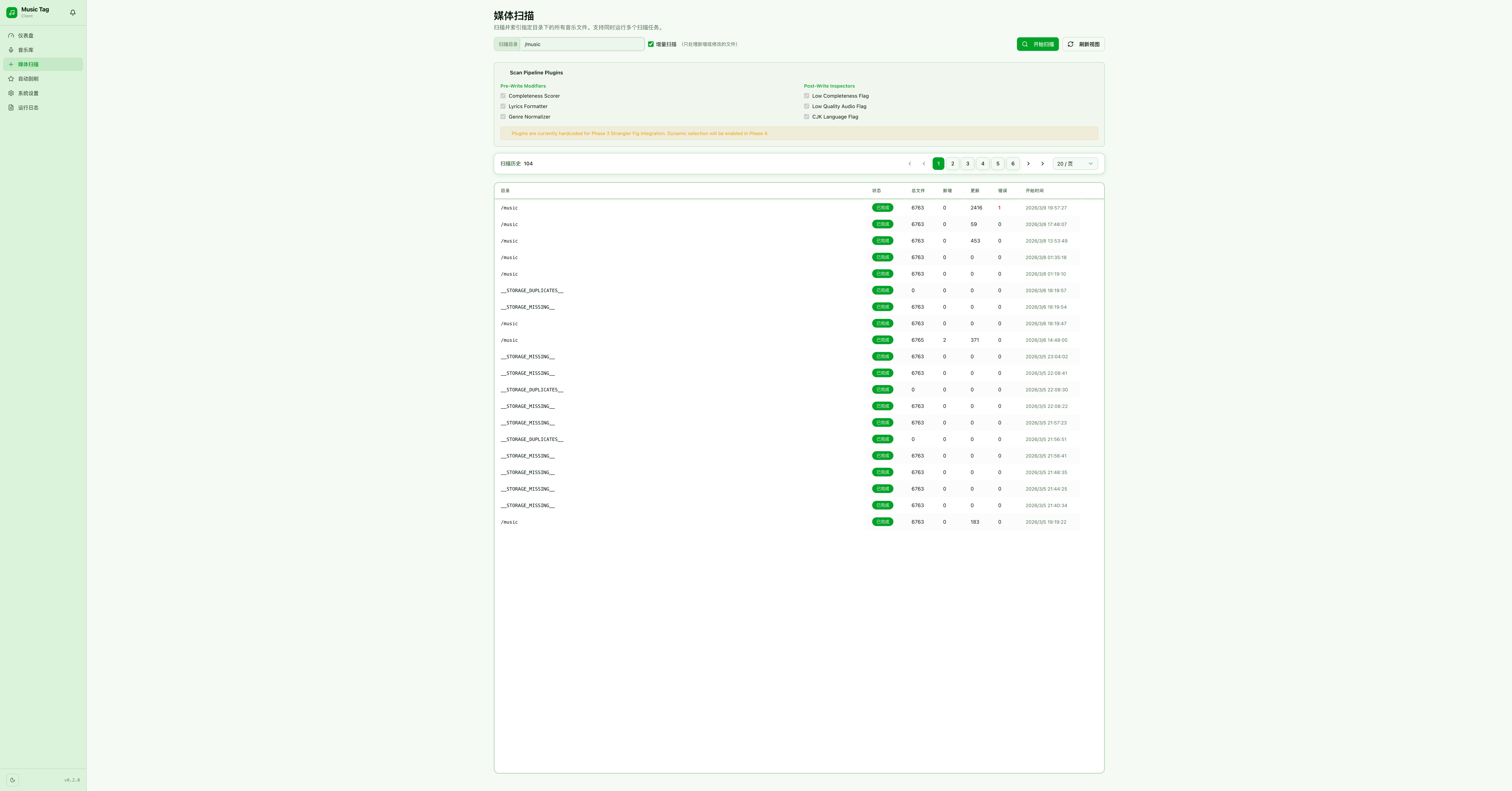 | 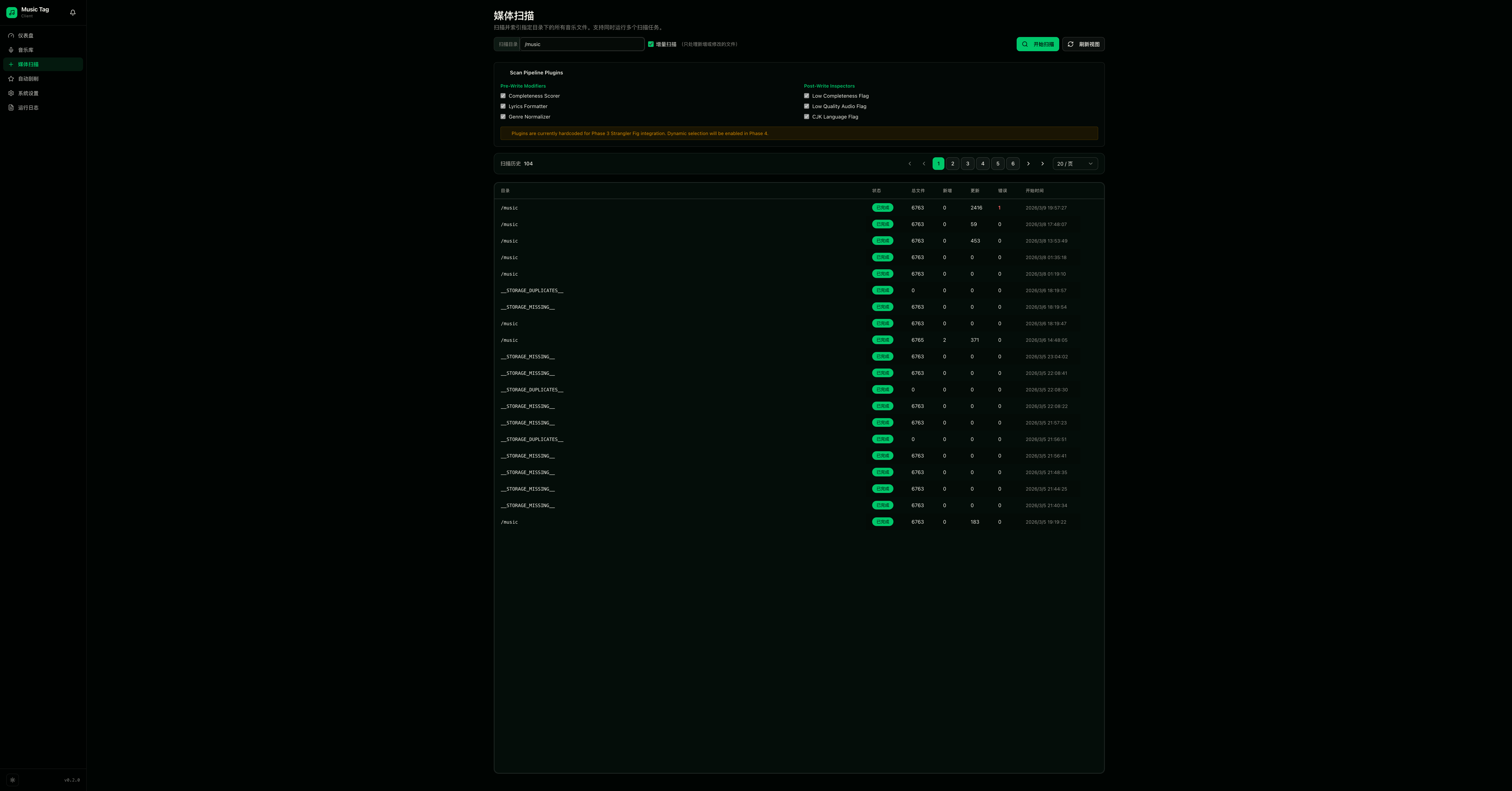 |
How to Switch Themes
- Open the Sidebar (hamburger icon, top-left).
- Click the Theme palette icon at the bottom of the sidebar.
- Browse the theme grid and click any swatch to apply instantly.
Custom Themes
Custom theme support via CSS variable overrides is planned for a future release. The theming system is built on CSS custom properties, making it straightforward to extend.
📸 [Custom theme editor screenshot — coming soon]